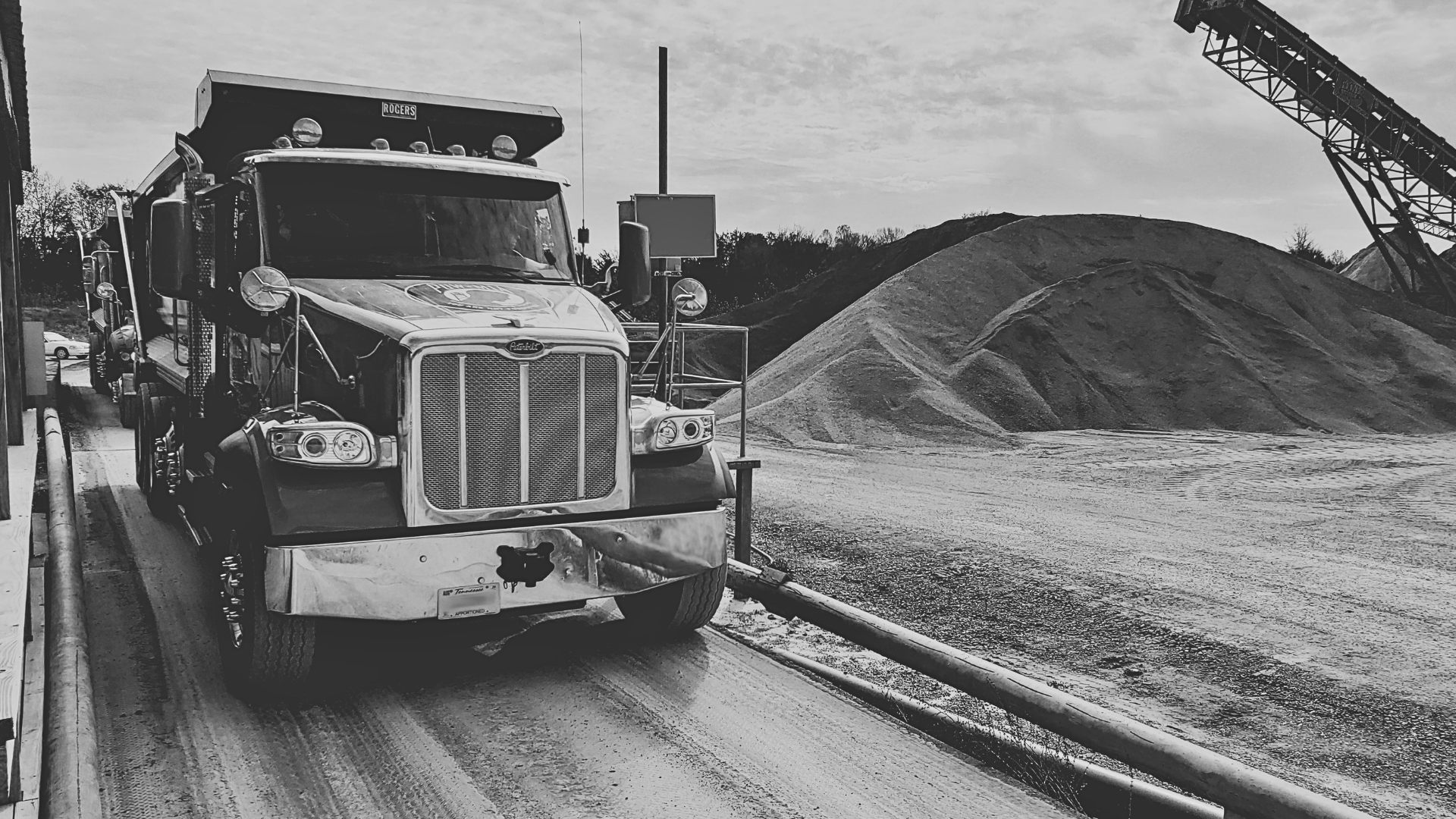
In many bulk material operations, the scale ticket starts clean. A truck pulls onto the scale, the operator captures the weight, the ticket prints, and the load moves. The breakdown usually happens next, when that same ticket data has to travel through dispatch, customer service, accounting, and reporting.
If those teams are working from exports, phone calls, spreadsheets, paper tickets, or delayed syncs, each handoff becomes a chance for the operation to slow down. The ticket may be technically complete, but the business still has work to do before that load becomes visible, billable, and actionable.
Where ticketing handoffs usually fail
The scale house is only one point in the material movement process. A single ticket can affect order fulfillment, customer balances, DOT documentation, hauler payment, job costing, billing, and production reporting.
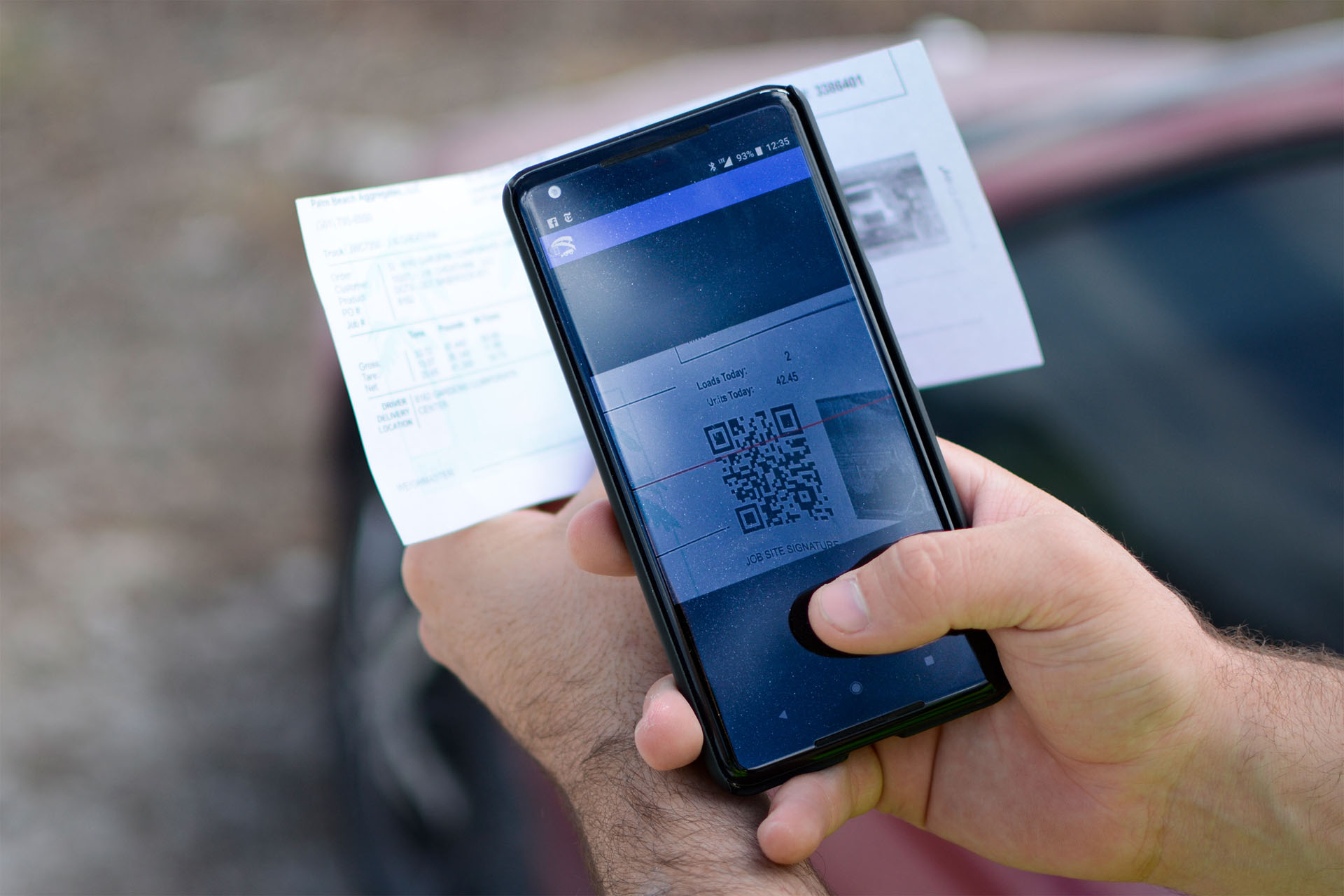
Problems appear when each team has a slightly different view of the same load. Dispatch may be watching truck status. Billing may be waiting on a batch export. Managers may be checking yesterday’s totals. Customers may be calling for proof that material was delivered.
The most expensive ticketing delays rarely happen at the scale. They happen when the ticket has to be interpreted again by the next team.
What connected ticket data changes
Connected ticketing gives everyone a shared source of truth. When a load is ticketed, the important details are available where the next decision happens: dispatch boards, billing queues, customer portals, reports, integrations, and mobile views.
1. Dispatch can see the work as it happens
Dispatchers need live awareness of what has been ordered, what is in the yard, what has loaded, and what still needs attention. A connected ticket keeps the operational picture current without waiting for someone to send a spreadsheet.
2. Billing starts with cleaner data
When tickets carry the correct customer, job, product, truck, hauler, quantity, and pricing context from the beginning, accounting spends less time reconciling exceptions and more time closing invoices.
3. Managers get faster production visibility
Daily tonnage, customer volume, product movement, and location performance should not require a scavenger hunt. With connected records, reporting can reflect what happened across the business instead of what was manually gathered.
A quick workflow checklist
If your ticketing process feels slower than it should, look for these signals. They usually point to data that is being captured once, then rebuilt somewhere else.
- Operators retype information that already exists on an order, quote, customer account, or job.
- Billing waits on batch files before tickets can be reviewed, corrected, or invoiced.
- Dispatch relies on calls or texts to know which trucks are loaded, waiting, or complete.
- Managers ask for manual reports because the portal does not reflect current production clearly enough.
- Customers request ticket copies that should already be searchable, exportable, or available digitally.
The takeaway
A better ticketing workflow is not just about faster weighing. It is about keeping the load record intact as it moves through the whole business. The fewer times a ticket is re-entered, re-exported, or re-explained, the faster teams can serve customers and close the loop.
Fastweigh is built around that idea: connect the scale, the yard, the truck, the customer, and the back office so every team can work from the same source of truth.
.jpg)